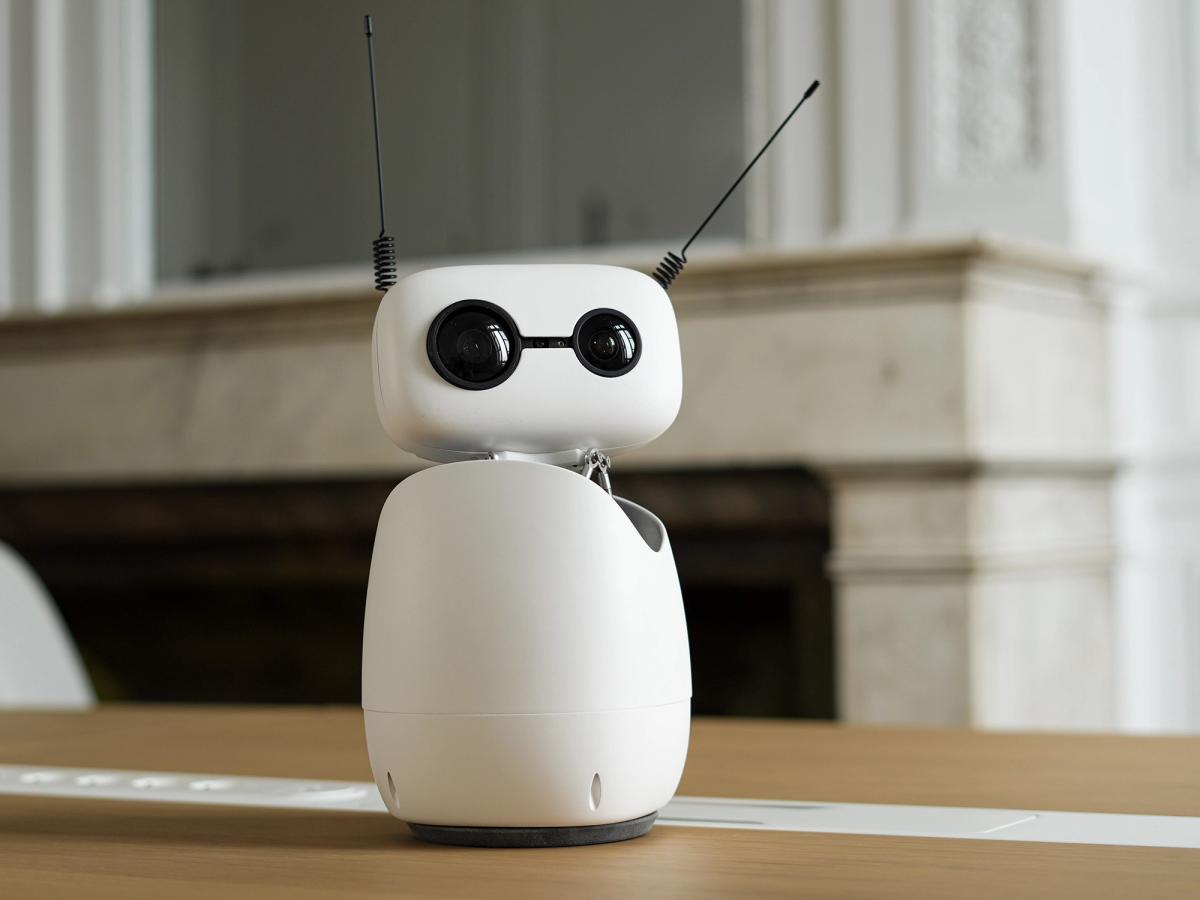
Reachy watches for motion, alerts you, and can report what happened when you return.
Say it naturally
Built for quick desk-side voice chats.
Open-vocabulary object finding scans the desk and turns toward the item.
Hermes answers conversationally, remembers recent context, and handles follow-ups.
Hermes can use files and tools, while R2D2 summarizes the result instead of reading diffs aloud.
Capabilities
One app, a lot of useful desk behaviors.
Voice-first Hermes brain
Normal commands route through Hermes Agent with R2D2-specific voice response skills, short chat history, and tool-output cleanup.
Reachy body bridge
Hermes gets safe access to speech, head movement, antennas, face following, guard mode, timers, and sensing through a local authenticated bridge.
Desk vision
Object search uses LocateAnything or OWLv2. R2D2 can scan, describe, count faces, and point its body toward what it sees.
Guard mode
Reachy watches your desk while you step away, saves snapshots, and lets you know if something moved.
Timers and routines
Timers, reminders, pomodoro sessions, date, time, weather, jokes, dice, coin flips, and quick desk utilities are all available by voice.
Local-first safety
Speech and robot control stay local by default. Cloud model use only happens through your configured Hermes provider or explicit API settings.
Conversation mode
R2D2 speaks like a companion, not a terminal.
The bundled Hermes skills tell the agent to answer in spoken English, ask short follow-up questions, skip raw diffs, and summarize file/tool work. A small rolling chat history keeps normal follow-ups coherent while operational tool calls like "watch my desk" stay out of the conversational memory.
You: R2D2, tell me about graphs.
R2D2: Graphs show relationships. The points are nodes, and the connections are edges.
You: Give me a real example.
R2D2: A road map is a graph: cities are nodes, and roads are edges.
Run it
Install on a Reachy Mini development setup.
pip install -e .
python -m reachy_desk_assistant
Recommended setup
Use Hermes already logged in through the browser for the agent brain, or opt into local Ollama with --hermes-use-local.
For object finding, install the vision extras and use a CUDA-capable machine for LocateAnything.